Tutorial | Mix Your Kits: Project Life® Cards on a Scrapbook Layout with Geralyn Sy
Tags:Lisse Street Project Life® kit
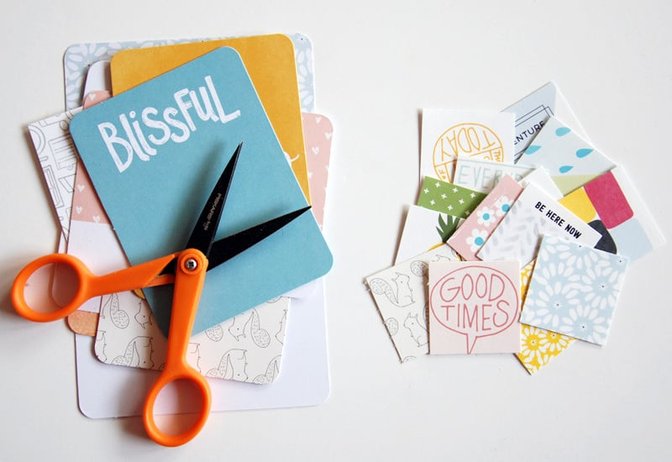
I started by cutting up my journal cards
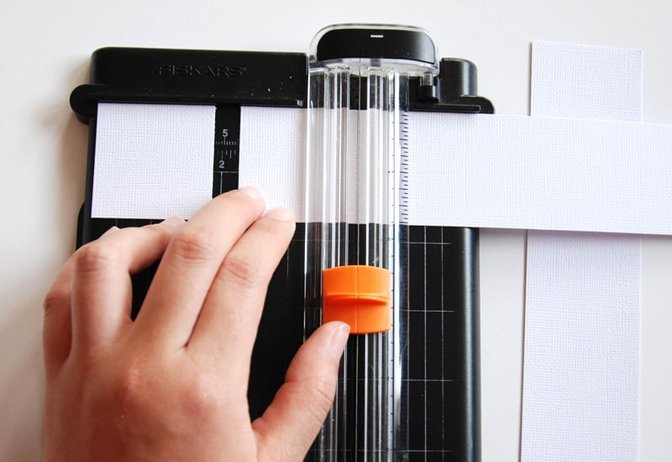
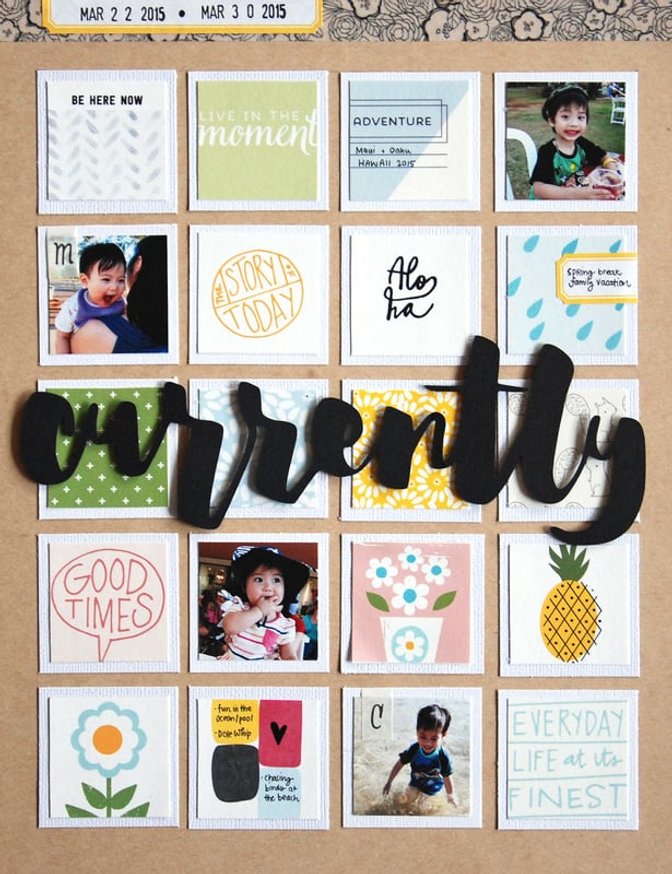
Then I used my paper trimmer and cut a bunch of 1.75” squares from white cardstock.
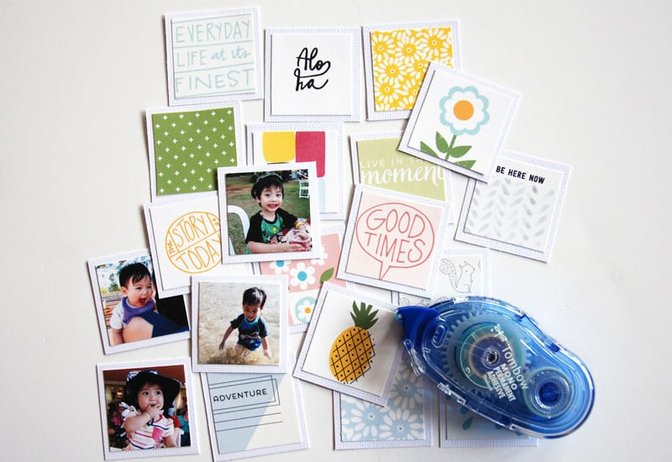
I glued my photos (I chose four 1.5” photos) and journal card squares onto the white cardstock squares.
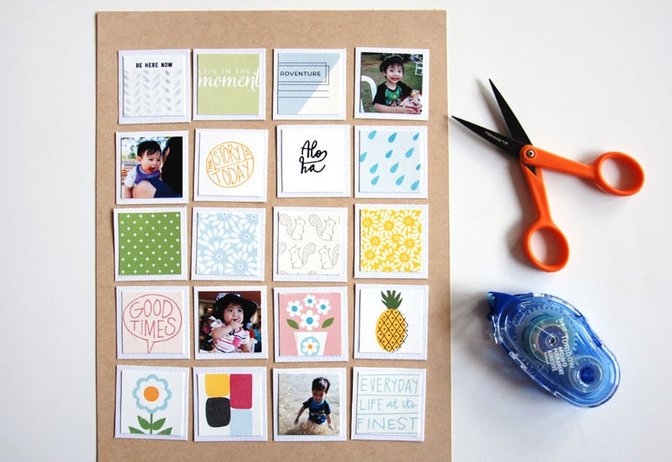
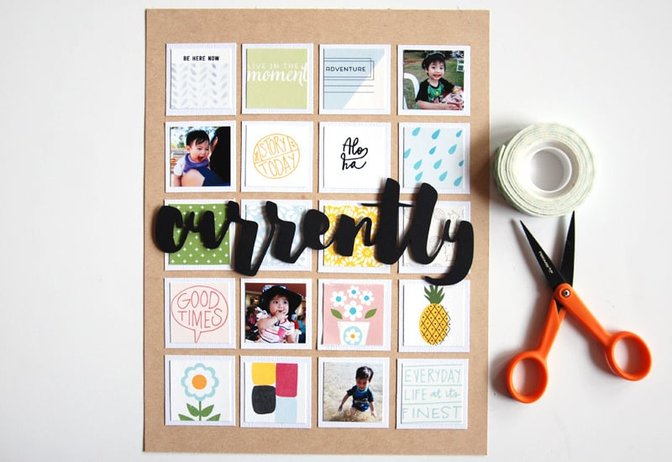
I chose kraft cardstock to be the base of my layout. Then I lay out my squares onto my page, arranging and rearranging them until I was happy with how the grid design looked. Once I was satisfied, I glued the squares down.
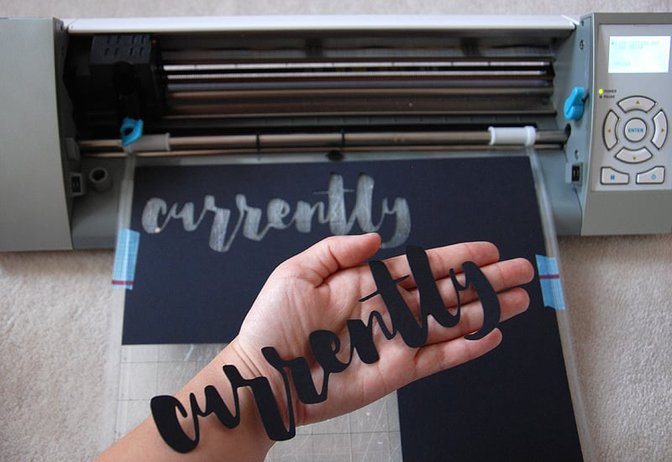
Using the Silhouette software, I traced, enlarged, and cut one of Marcy’s printables from this month to create my "
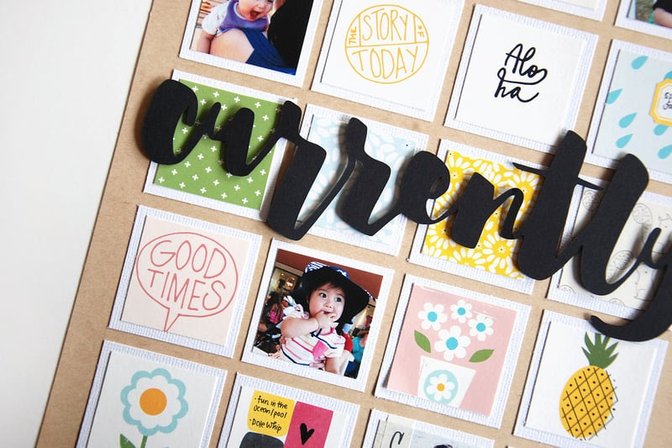
I glued my title to the middle of my layout using foam adhesive to add some dimension to my page.
I pulled a couple more embellishments from the Project Life® kit
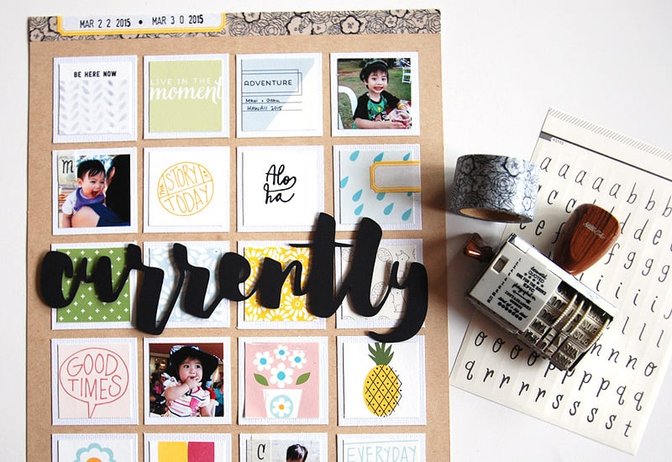
The last step was to add my journaling. I simply jotted down a few notes in a couple of the squares.
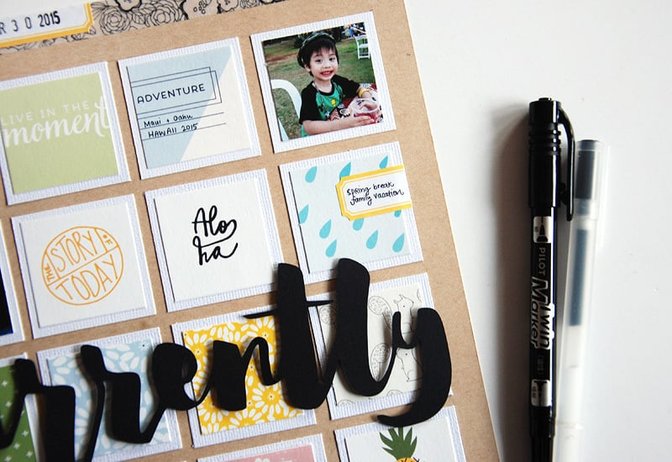
Hope you enjoyed seeing how I put this layout together! It was quite easy and I didn’t even need to use any patterned paper as I relied on the journal cards to add patterns and colors to my page.
Supplies: Lisse Street Project Life® KitLilyCardstockLisse Street Printable by Hello ForeverLisse Street Printable Labels by Hello ForeverSilhouette


Comments
Sign in or sign up to comment.
20 comments
oh my goodness I love this!
Replies to amyscalze
Sign in or sign up to reply.
wow this is so pretty!
Replies to toribissell
Sign in or sign up to reply.
Gorgeous and wonderful idea!
Replies to ChristineCieri
Sign in or sign up to reply.
I love layout and will so be lifting this idea!
Replies to Brenna
Sign in or sign up to reply.
You are so good at this!
Replies to natalic
Sign in or sign up to reply.
This is such a great page
Replies to tpgirl
Sign in or sign up to reply.
I actually sort my PL kit according to whether i will use the cards on a layout or in PL, some lend themselves better to layouts.
Love this one.
Replies to aagirlz
Sign in or sign up to reply.
im in love with this layout and glad i order a second pl kit this month.
Replies to josmary
Sign in or sign up to reply.
beautiful layout!! LOVE it!!
Replies to gabber
Sign in or sign up to reply.
This is really great, and I am totally lifting it! Thank you so much for the inspiration!
Replies to Kristi_
Sign in or sign up to reply.
Amazing!
Replies to vivi_zinha
Sign in or sign up to reply.
this is so beautiful and amazing and you are so talented!!
Replies to jamiewaters
Sign in or sign up to reply.
Beautiful layout!
Replies to lilbit7
Sign in or sign up to reply.
That bold title rocks!
Replies to Rockermorsan
Sign in or sign up to reply.
This looks great!!
Replies to Llynx59
Sign in or sign up to reply.
Once again LOVE IT!! :-)
Replies to khartwell
Sign in or sign up to reply.
This is absolutely gorgeous! So inspiring :)
Replies to cecily_moore
Sign in or sign up to reply.
Love this! Thank you fpr the ideas!
Replies to Roberta
Sign in or sign up to reply.
This is awesome! I love all of your LO's... Thank you for including tips, I'm a newbie!
Replies to Fivepops
Sign in or sign up to reply.