Tutorial: Using Tags on a Layout | Kelly Noel
Tags: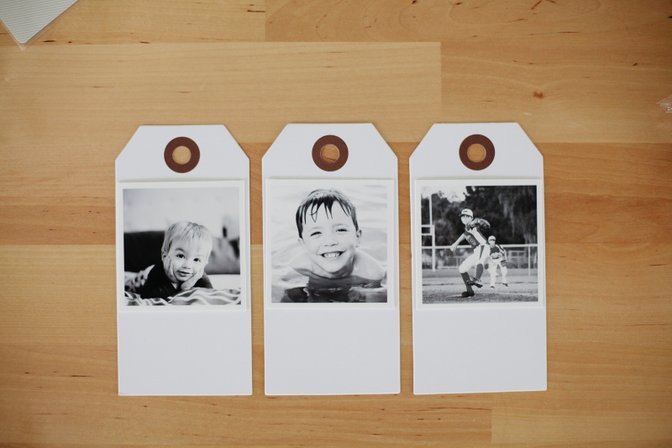
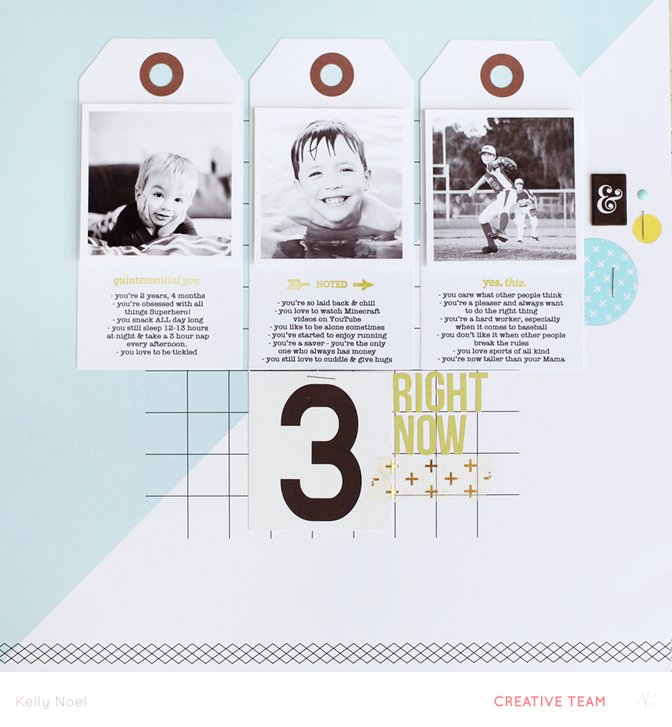
To start, I printed out my photos to fit the tags. These particular tags are large, so I printed my photos to 2.5x2.5". Now, I was ready to print my journaling.
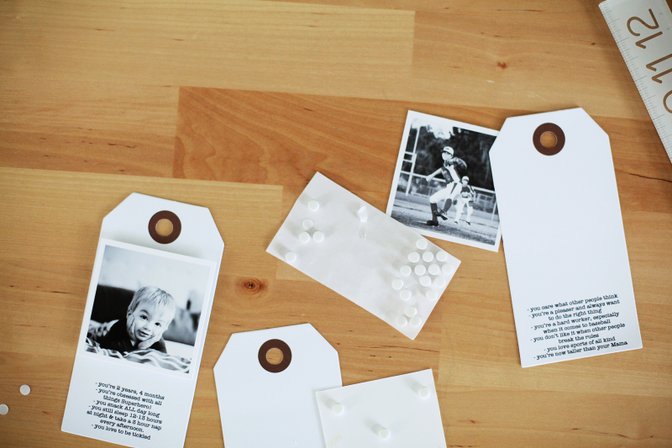
I added my title with some letter stickers and a few embellishments add detail to the right hand side of layout.
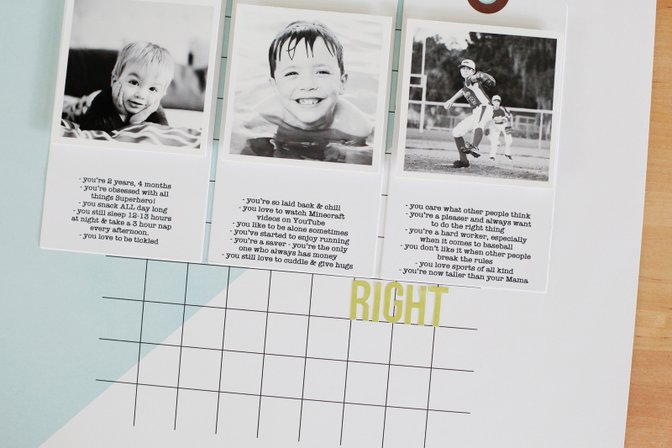
There was some space between the journaling and photos on my tags, so I added some stamped phrases underneath each photo for more detail.
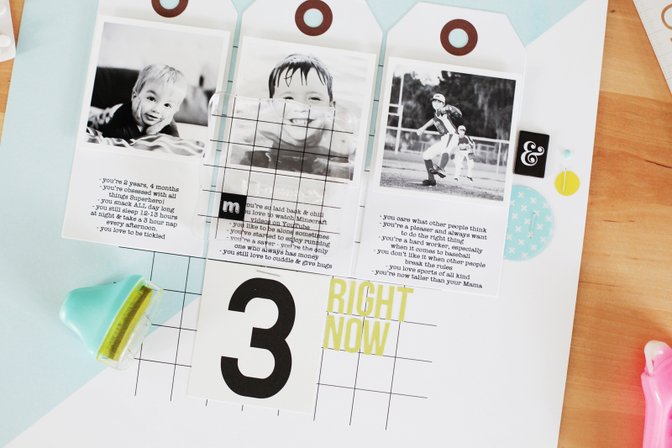
This was a super simple layout that came together really fast with the tags as the base of my design. I hope you'll give tags a try on your next project!
Supplies used | Pop Art Scrapbook Kit, Hockney Add-on Kit, Pop Art Project Life kit; other - tags


Comments
Sign in or sign up to comment.
7 comments
So cute! I have a small collection of tags, think I will pull them out and try something like this!
Replies to patowle
Sign in or sign up to reply.
I adore the design of this. Wonderful layout. I love how you used the tags.
Replies to gavinsmum
Sign in or sign up to reply.
lovely
Replies to toribissell
Sign in or sign up to reply.
adorable page!
Replies to ginny
Sign in or sign up to reply.
Great page! And those boys of yours are just so adorable.
Replies to Carson
Sign in or sign up to reply.
LOVE THIS SO MUCH, KELLY! Seriously...I never ever know what to do with tags...great great idea!
Replies to maggie_massey
Sign in or sign up to reply.
Love your style Kelly, beautiful!
Replies to Bellaa75
Sign in or sign up to reply.