Tutorial: Using the Film Club Scrapbook Kit with Anna-Maria Wolniak
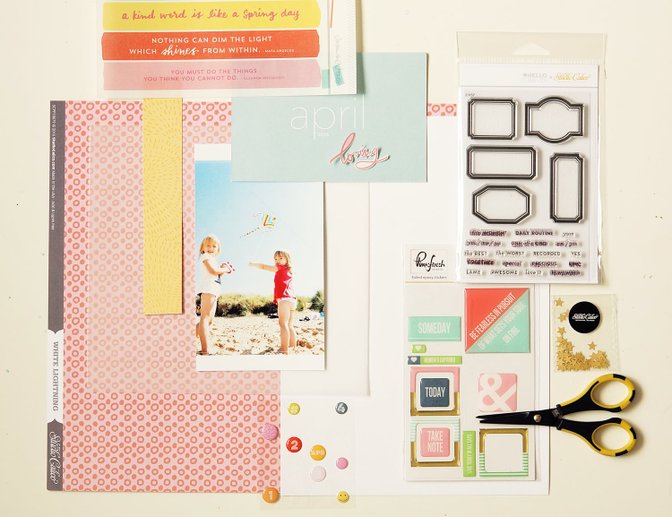
Today, I want to present to you an easy scrapbook tutorial made with the Film Club kit. Step-by-step, we will create a layout based on frames and squares.
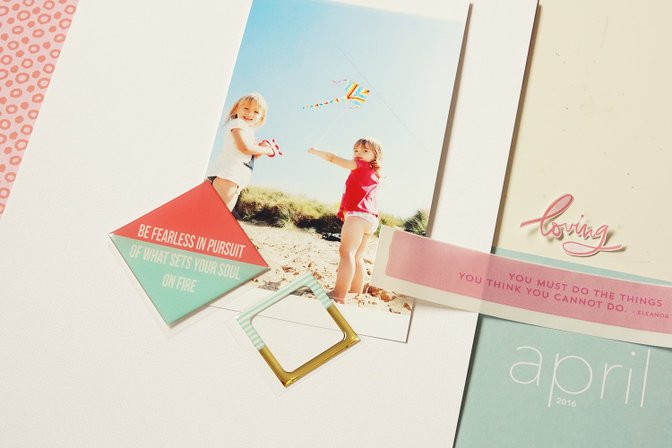
I was inspired by the square sticker from the add-on set. I decided to create a layout made up of diamond shapes.
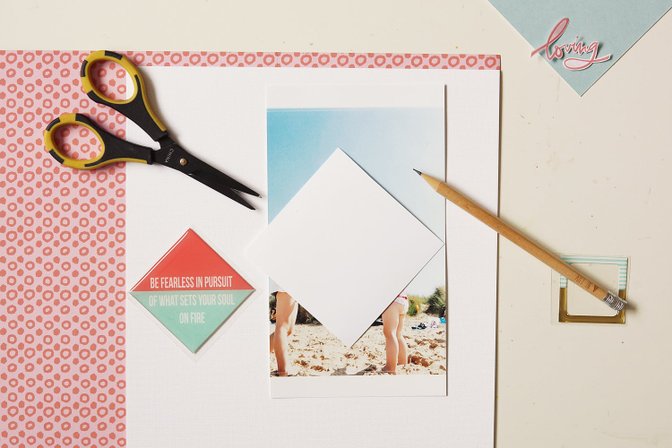
First, I cut my photo down to a diamond. I made a square template and copied it on the picture. I added an extra piece of blue sky from a discarded part of the photo to complete my empty corner.
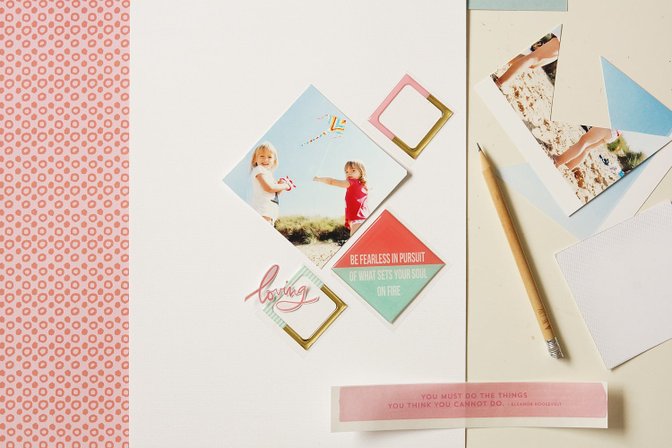
I started to combine my composition, background paper and some basic embellishments...
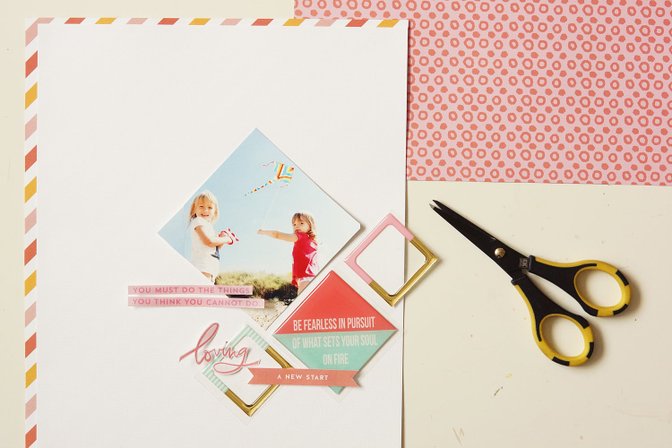
... I changed it a few times, as you can see on these pictures :)
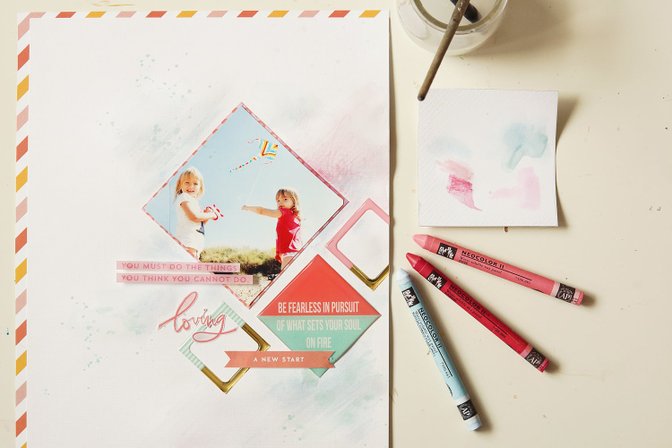
Finally, I stuck with this scheme. I added a pink layer under the photo and I glued all the elements on the background paper. Than I start playing with three shades of Neocolor II watercolor crayons. I drew a few scribbles here and there - not much, just to blend the layout elements a little bit.
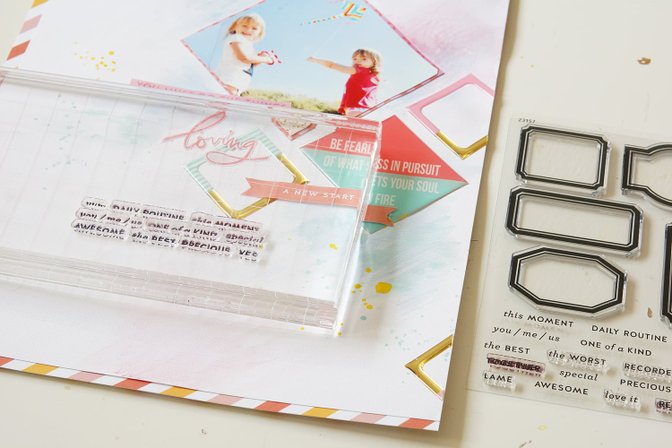
After some yellow splatters for contrast, I added a few stamps. I stamped them all at once using a huge acrylic block.
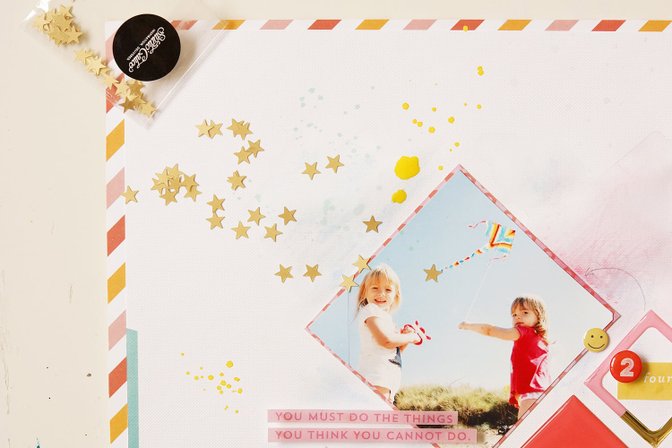
At the end, I embellished the layout using gold stars from the main kit and epoxy stickers.
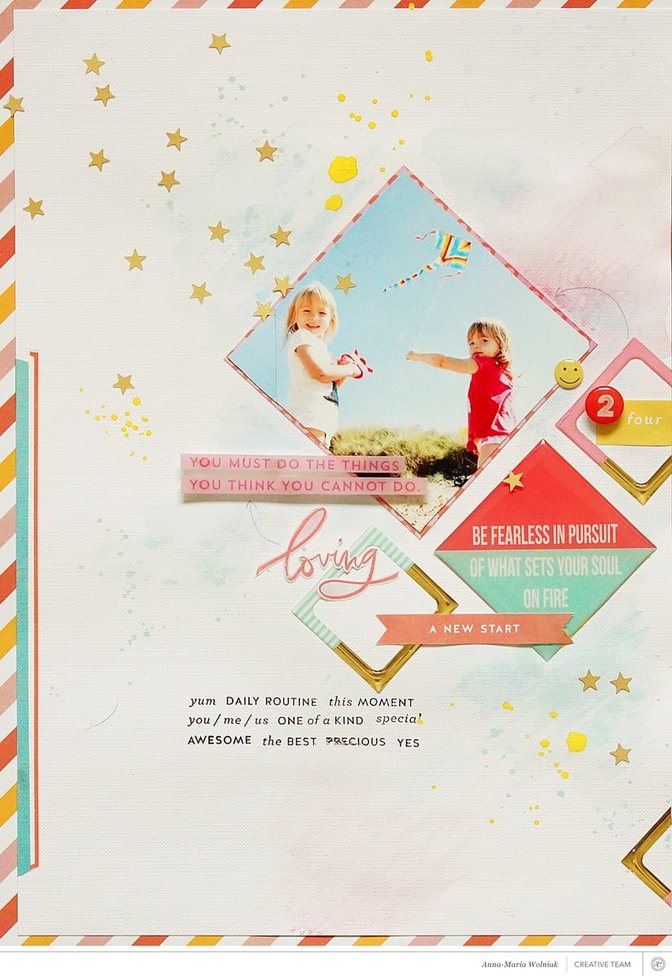
I think this layout is simple enough for even the newest members of our Studio Calico community. All the supplies are from the scrapbook main kit and add-on kit along with a few printable elements. I hope you have fun creating your own projects using this tutorial!
xoxo
Anna-Maria
Comments
Sign in or sign up to comment.
6 comments
Thanks for sharing how you create your amazing layouts. I love the color combinations you used here so soft and pretty!
Replies to Brinkleyboy
Sign in or sign up to reply.
So awesome!
Replies to CristinaC
Sign in or sign up to reply.
I love this layout--it makes me think --and wish for here in very cold SE CT--Springtime...lovely work hugs, Julierose
Replies to pyanorose
Sign in or sign up to reply.
Thanks for the tutorial! I just adore this layout!
Replies to terriblygreat
Sign in or sign up to reply.
Superbe !
Replies to BB2Run
Sign in or sign up to reply.
Love it. Your layouts are all awesome.
Replies to Neela
Sign in or sign up to reply.