Hello, SC friends! Happy Friday! I'm excited to be here today to share my process for this layout I created for the Bookmarked Creative Team gallery. I love the Bookmark kits, they have such a wonderfully springy vibe, but are still perfect for documenting all kinds of subjects. For this layout, I wanted to share an everyday story. I had these dark and grainy iPhone photos that I took one night when my littlest and I were just hanging out one evening before bed. He loves to tell me stories and make me laugh and gets such a kick out of one-on-one time. When I saw the stamp set from the scrapbook kit, I knew I wanted to use it to tell this simple story.
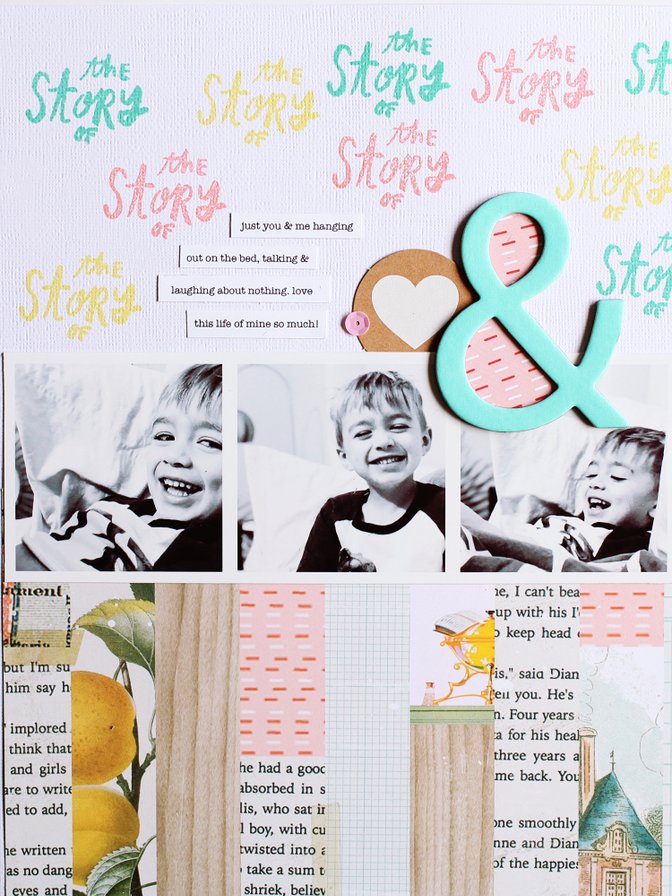
Watch the video below to see how this layout came together using the Bookmarked Scrapbook Kit.
Tips & Tricks:
- Use repetition to create really interesting backgrounds and designs on your projects.
- Repeating the same stamped design in different colors added interest to the background.
- If you're using low quality photos, try printing them smaller in size so the quality isn't too obvious.
- Even though my photos are printed to just over 2.5" square, they don't look small because I'm working on a smaller canvas. On a 12" x 12" canvas, these photos might have gotten lost in the design.
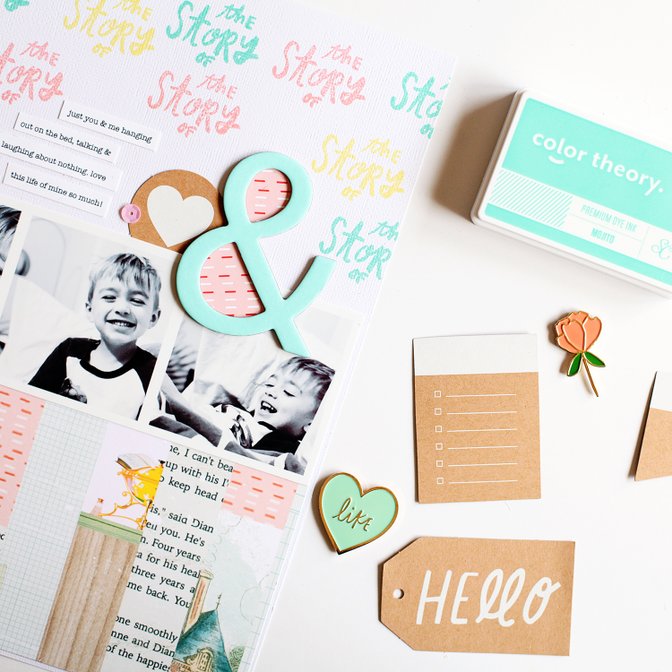
Thanks for stopping by the blog today. I hope I've inspired you to break into your Bookmarked Scrapbook kit and tell your own stories!


Comments
Sign in or sign up to comment.
2 comments
Love it! Thanks for sharing!!
Replies to msmeinke
Thanks so much!!
Sign in or sign up to reply.