Printing Trick | Catherine Davis
Tags: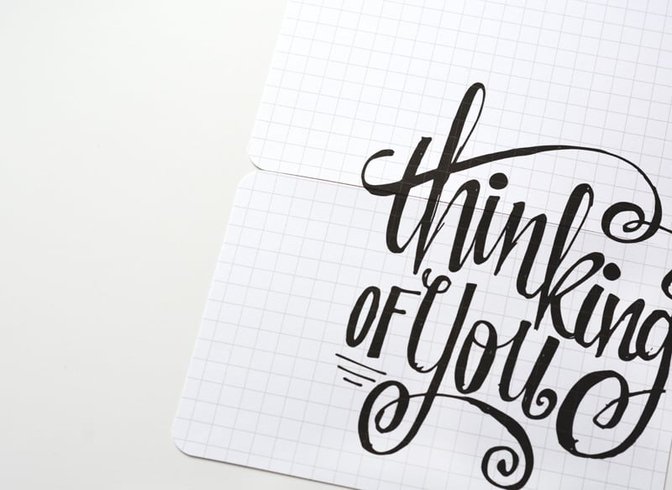
I have a quick printing trick to use your leftover Project Life Kit cards. Works especially well with the plain B sides of some Studio Calico cards. Stacking two 4x6 cards together makes a perfect base page for a 6x8 page protector for Handbooks. Here's how to do it.
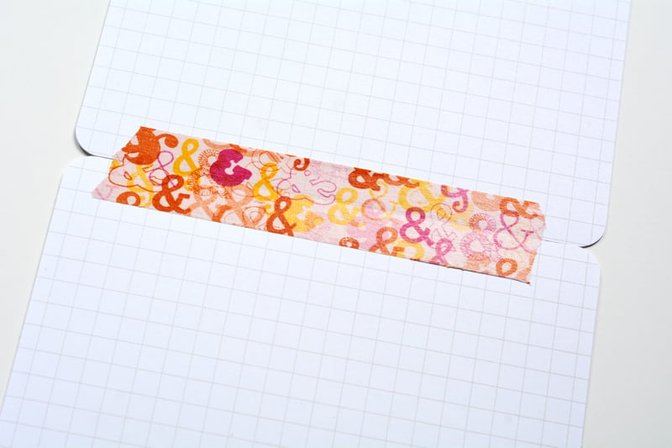
Line up your cards and run a piece of tape along the back.
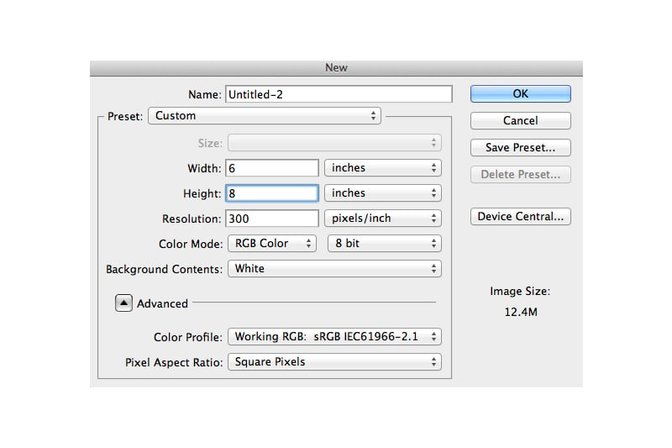
In Photoshop, I create a 6x8 canvas to make my print. You can print images, journaling or digital stamps.
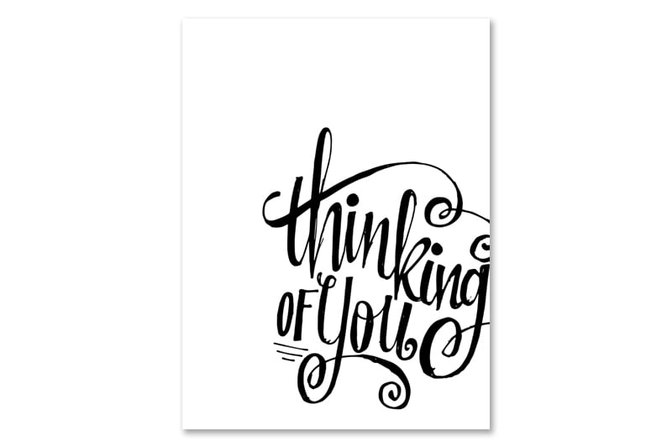
I used a digital stamp from the Office Hours Card Kit Stamp Brushes and placed it on my 6x8 canvas.
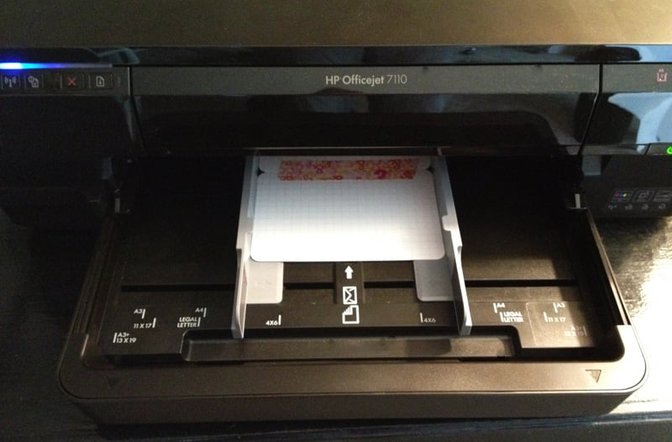
For my printer, which is an HP Officejet 7100, I can print custom sizes. Before printing I place my cards face down and set the print size in Photoshop to 6x8. Easy! If your printer only does standard sizes, do a test print on regular printer paper. Next, line your journal card page up over the print, attach it with temporary adhesive, and print again.
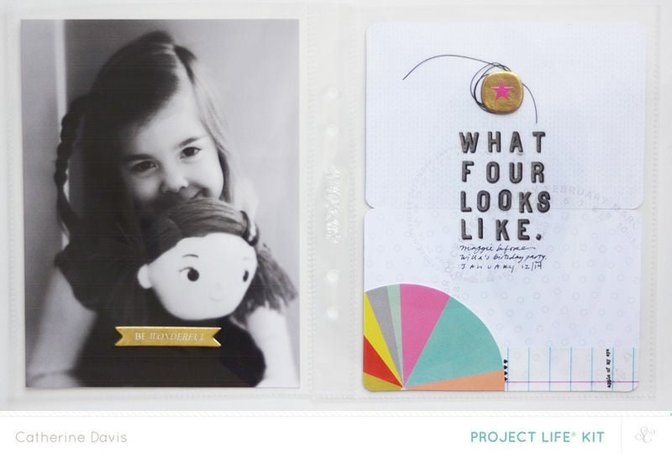
Here's a spread using this trick from my Sugar Rush gallery. I hope you'll give it a try!


Comments
Sign in or sign up to comment.
5 comments
One of those "why didn't I think of that" moments. Thank you for sharing this!
Replies to Workman_Scraps
Sign in or sign up to reply.
Great idea!
Replies to JoyceC
Sign in or sign up to reply.
Smarty pants idea. Gold star for you.
Replies to alisonmcdaniel
Sign in or sign up to reply.
Clever
Replies to Kateroar
Sign in or sign up to reply.
Excellent, excellent idea...and I love that spread...
Replies to maggie_massey
Sign in or sign up to reply.