Hello, SC friends! I loved working with the "Candyland" Kit this month. It's full of great embellishments, and the patterns and colors are to die for! While this kit has an obvious love and hearts theme, it can be used for all kinds of photos. For this page, I wanted to use two photos that I took when our puppy, Hoosier, was just a couple of months old. These were the perfect photos to pair with this month's Scrapbook Kit stamp set, as well.
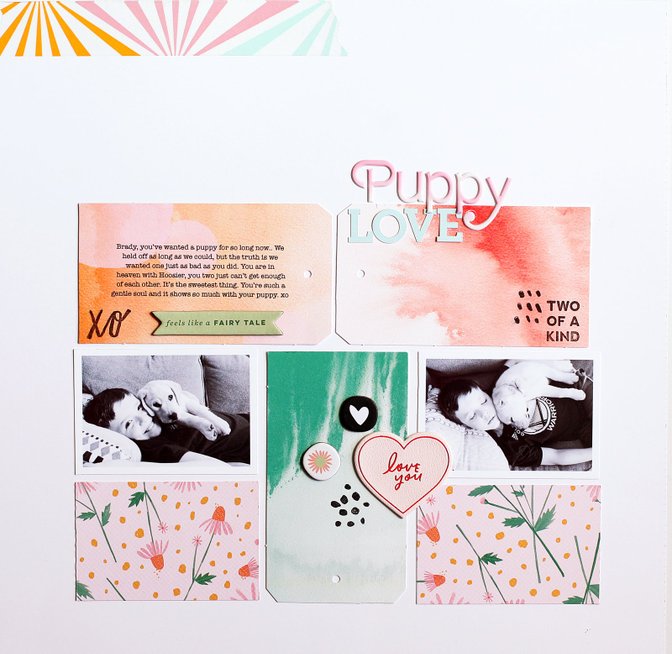
Watch the video below to see how this came together quickly and easily using the die-cut tags in the kit as the base for my grid design.
Tips & Tricks:
- Pull two are three colors from the kit and use them for your layout. Sometimes it's overwhelming with too many choices, so create your own mini color palette and stick to it to make creating your page even easier.
- Mix fonts to create a more interesting title. The alphas in the "Candyland" Kit are a perfect mix!
- Use the embellishments in your kit to inspire your design, like I did on my page with the die-cut tags.
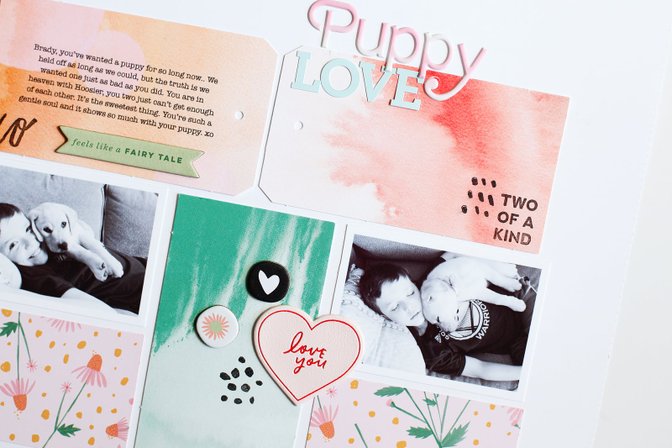
I hope you're inspired to use your "Candyland" Scrapbook Kit. I can't wait to see what you make!


Comments
Sign in or sign up to comment.
1 comment
😍
Replies to Joelaw
Sign in or sign up to reply.