Using the Been and Gone Planner Kit with Morgan Stockton
Tags:It’s June, and that means that WEDDING SEASON is upon us!!! I had my very first wedding of the year this past weekend and I was so excited to add it to my day-to-day traveler’s notebook.
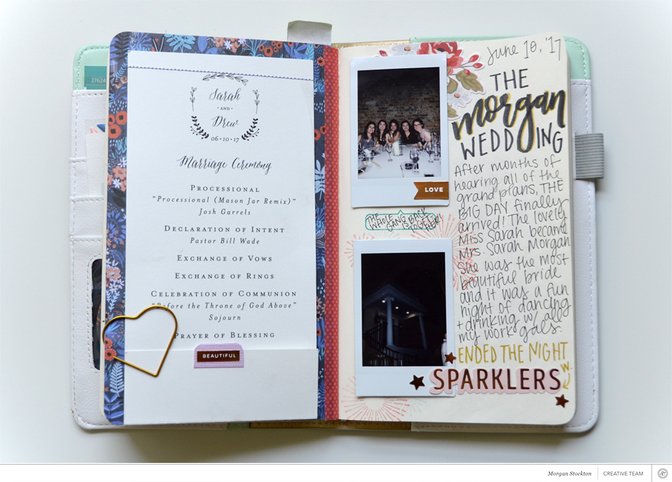
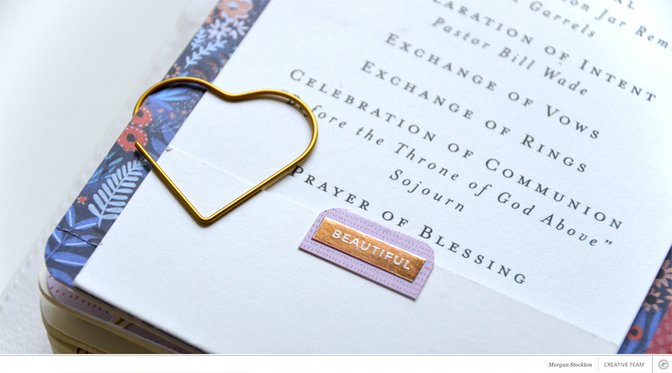
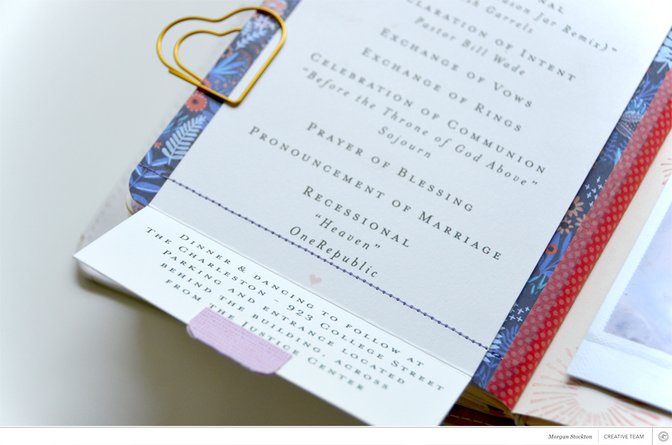
First things first, weddings are perfect for documenting because most of them come with easy-to-add ephemera (helloooooo, wedding programs!). I wanted to make sure that I added the program for Sarah and Drew’s wedding to my notebook. I used the floral A5 paper from the Planner Kit as a backer and ran the two though my sewing machine. Since the program was longer than my notebook, I used my bone folder to create a perfect crease so it folds up into the notebook. Then as an extra bonus—to really point out that it was an interactive element—I made a little tab with one of the stickers from the planner kit.
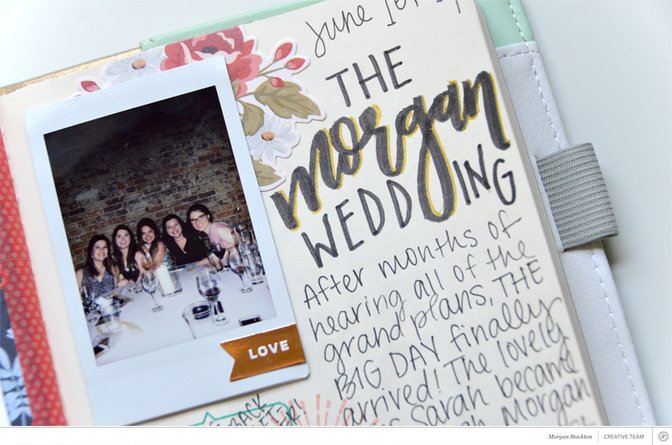
I brought my instax camera to the wedding, because what’s more fun than random photo ops?! All the ladies from work shared a table (and we maybe stole a chair from another table to accommodate our large group) and I managed to squeeze in the majority of our group into one shot. I backed it with one of the floral stickers from the Here & There add-on kit and added a little gold “Love” sticker on top. Then, of course, I had to throw in some of my lettering to mark the occasion.
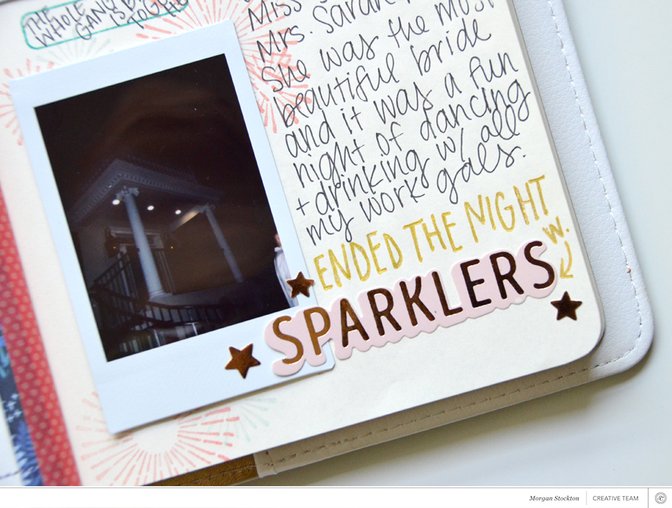
Before laying down my shot of the venue, which was B-E-A-U-TIFUL, I stamped out some fireworks/sparklers. The night ended with the Bride+Groom Send-Off where we all stood in line with sparklers. Since I was holding two sparklers, I didn’t actually get a shot of the sparklers so the stamping would have to do.


Comments
Sign in or sign up to comment.
0 comments
No comments yet — be the first!